AI Logic Diagram Maker — Create Logic Diagrams from Text
Turn business rules, software logic, decision conditions, Boolean expressions, or process logic into a clean visual diagram. Use AI to create logic diagrams online without manually dragging shapes or arranging connections.
Try Logic Diagram Maker
AIで図表を即時生成。まずは説明を入力してください。
クイック例:
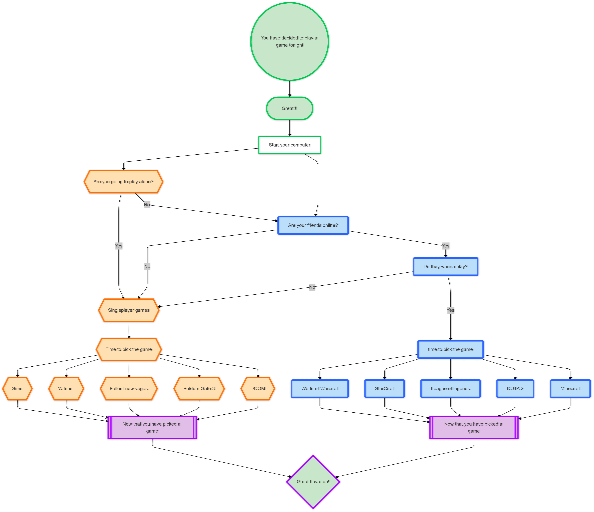
Current selected: FlowChart
図表タイプを選び、説明文を入力してください
Create Logic Diagrams in 3 Steps
From plain text logic to a structured visual diagram
Describe Your Logic
Enter your rules, conditions, if-then logic, Boolean expression, decision flow, or system behavior in natural language.
AI Generates the Diagram
The AI logic diagram generator turns your input into a structured diagram with connected nodes, branches, and clear logical relationships.
Edit, Refine & Export
Ask AI to rename nodes, add conditions, simplify branches, or reorganize the layout, then export your logic diagram as PNG, SVG, or PDF.
登録不要 · クレジットカード不要 · 数秒で無料フローチャート作成
Logic Diagram Maker Features
Everything you need to visualize logic, decisions, and system behavior
- Text to Logic Diagram
- Convert plain text, bullet points, pseudocode, or if-else rules into a logic diagram online in seconds.
- Decision Logic Mapping
- Visualize business rules, approval flows, conditional paths, user journeys, and decision logic with clear branches.
- Software Logic Visualization
- Document application logic, API conditions, validation rules, algorithm steps, and backend workflows for engineering teams.
- Boolean Logic Support
- Create diagrams for Boolean logic, AND/OR conditions, logic gates, truth table explanations, and simple digital logic concepts.
Logic Diagram Maker FAQs
- What is a logic diagram maker?
A logic diagram maker is a tool that helps you visually represent rules, conditions, decisions, Boolean logic, or system behavior. With an AI logic diagram maker, you can describe the logic in text and automatically generate a structured diagram.
- Can I create a logic diagram from text?
Yes. You can paste a paragraph, bullet list, pseudocode, business rule, or if-else condition, and the AI will turn it into a clear logic diagram with connected steps and decision branches.
- Can I use this as a logic gate diagram maker?
Yes, you can use it to explain simple logic gate diagrams, Boolean logic, AND/OR conditions, and truth table relationships. It is best for visual explanation and documentation, not for advanced circuit simulation.
- Is a logic diagram the same as a flowchart?
They are related but not always identical. A flowchart usually shows a process step by step, while a logic diagram focuses more on conditions, rules, decisions, and relationships between logical states.
- Who should use an AI logic diagram generator?
Developers, product managers, students, teachers, analysts, and operations teams can use it to explain software logic, business rules, decision flows, Boolean logic, and system behavior.
- Can I edit the logic diagram after it is generated?
Yes. You can refine the diagram through chat by asking AI to add missing branches, simplify logic, rename nodes, reorganize the layout, or make the diagram easier to understand.
関連ユースケース
似たユースケースを探す
Flowchart Maker
Generate clean, editable flowcharts with AI. Describe any process in plain text and instantly turn it into a structured, professional diagram.
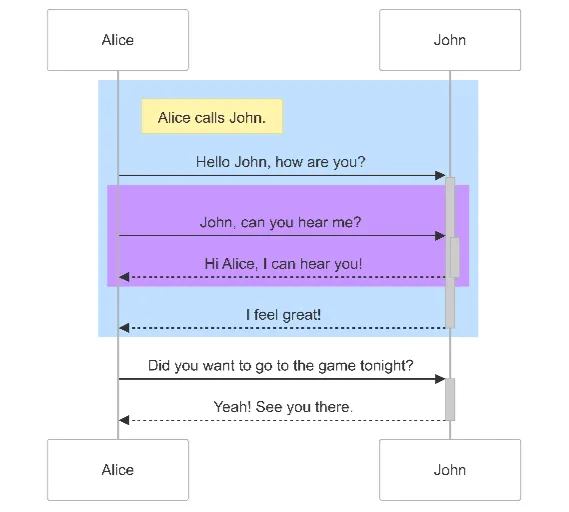
Sequence Diagram Maker
Generate UML sequence diagrams with AI to visualize how components, services, or systems interact over time.
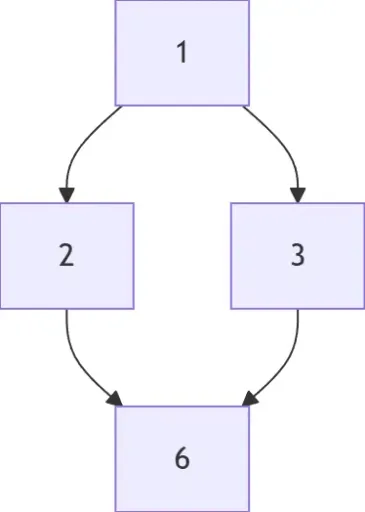
Hasse Diagram Generator
Generate Hasse diagrams from any partially ordered set (poset). Perfect for mathematics, discrete structures, logic, and computer science.