Tools
AI diagram conversion tools
Convert images, PDFs, screenshots, whiteboards, and diagram files into editable flowcharts, Draw.io workflows, Mermaid code, and Excalidraw-style canvases.
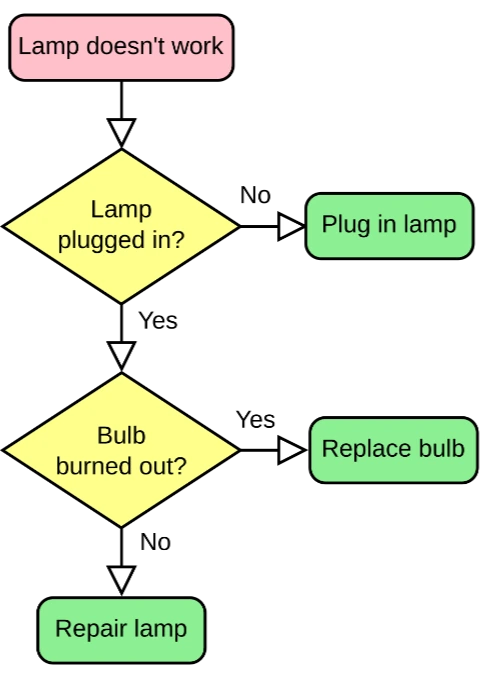
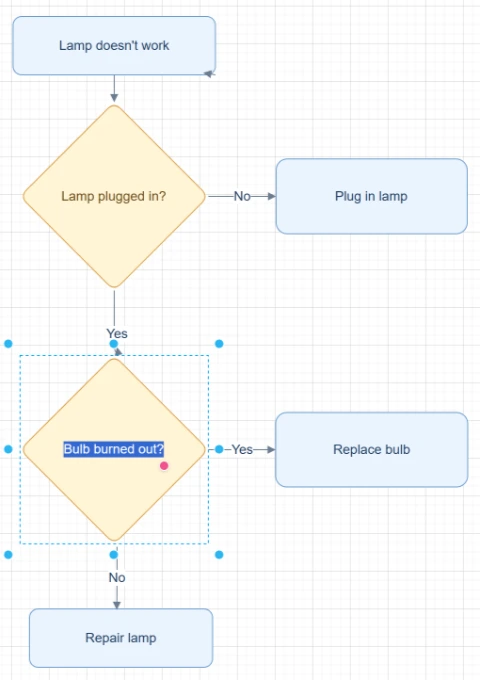
Featured converters
Start with the highest-intent converters for rebuilding editable diagrams from images, PDFs, and mixed sources.
Image to Flowchart Converter
Upload a screenshot, whiteboard photo, or old flowchart image and rebuild it into an editable flowchart you can clean up, refine, and export.
Image to Editable Diagram Converter
Upload a static diagram image, PDF page, screenshot, whiteboard photo, or old flowchart and rebuild the visible labels, shapes, arrows, and layout as editable diagram objects.
Image to Draw.io Converter
Upload a PNG, JPG, screenshot, whiteboard photo, or exported diagram image and rebuild it as an editable Draw.io-compatible diagram.
Image to Mermaid Converter
Upload a flowchart screenshot, diagram image, or PDF page and convert the visible structure into editable Mermaid code you can review, refine, and use in documentation.
Input sources
Pick the source format that matches the file you already have, from screenshots and whiteboards to SOPs and compressed images.
Screenshot to Flowchart Converter
Upload a screenshot of a workflow, app flow, slide process, SOP, or document diagram and rebuild it as an editable flowchart.
Whiteboard to Flowchart Converter
Upload a whiteboard photo from a meeting, workshop, brainstorming session, or process mapping session and turn it into an editable flowchart draft.
Hand-drawn Flowchart to Digital Converter
Upload a hand-drawn flowchart, paper sketch, notebook diagram, scan, or tablet drawing and turn it into an editable digital flowchart.
SOP to Flowchart Converter
Upload an SOP PDF, procedure document, work instruction screenshot, or process text. ChatFlowchart turns steps, roles, decision points, handoffs, approvals, and exception paths into an editable flowchart draft.
PNG to Draw.io Converter
Upload a PNG diagram export, transparent PNG, high-resolution screenshot, or archived process map. ChatFlowchart reconstructs the visible structure as an editable Draw.io-compatible draft.
JPG to Draw.io Converter
Upload a JPG or JPEG diagram image, email attachment, phone photo, or compressed screenshot. ChatFlowchart reconstructs the visible structure as an editable Draw.io-compatible draft.
Flowchart Image to Draw.io Converter
Upload a static flowchart image, exported flowchart, archived process map, or shared screenshot. ChatFlowchart reconstructs the visible steps, decisions, branches, and connectors as an editable Draw.io-compatible draft.
Screenshot to Draw.io Converter
Upload a diagram screenshot from docs, tickets, slides, websites, or product specs. ChatFlowchart reconstructs the visible structure as an editable Draw.io-compatible draft.
Export formats
Open format-specific workflows when your final diagram needs to fit Draw.io, Mermaid, or Excalidraw-style editing.
Image to Excalidraw Converter
Upload a sketch, whiteboard photo, screenshot, or flowchart image and let AI rebuild the visible structure into an editable Excalidraw-style diagram.
PDF to Mermaid Converter
Upload a PDF page with a flowchart, process diagram, or workflow diagram. ChatFlowchart converts the visible structure into an editable Mermaid code draft for Markdown, GitHub, README files, and technical docs.
PDF to Flowchart Converter
Upload a PDF process document, SOP, workflow page, or PDF diagram and turn it into an editable flowchart canvas.
PDF to Draw.io Converter
Upload a PDF diagram and rebuild the visible boxes, labels, connectors, and layout into an editable Draw.io-compatible diagram.
Start with a clear source file, then refine the editable result.
Upload an image, screenshot, whiteboard photo, or PDF page and move into the canvas with the right converter context already selected.