Create Authentication Flow Diagrams with AI
Describe your login, signup, verification, token management, SSO, or MFA process—AI generates a precise authentication flow diagram for security review and documentation.
Try User Authentication Flow
Générez votre diagramme immédiatement. Décrivez ce dont vous avez besoin.
Exemples rapides :
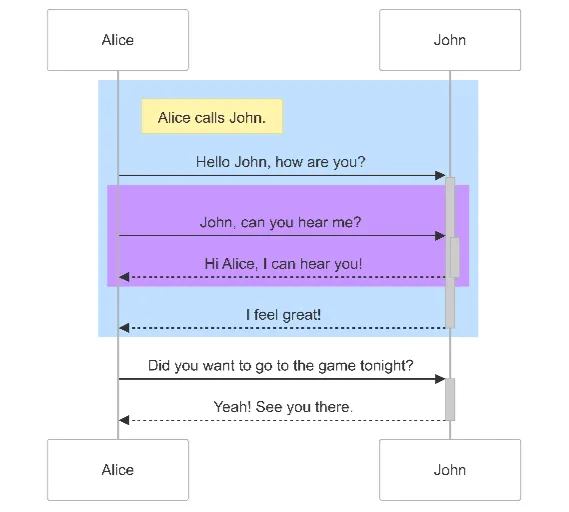
Current selected: Sequence Diagram
Choisissez un type et entrez une description
Visualize Authentication in 3 Steps
Security workflows made simple
Describe Authentication Steps
Explain user sign-in, validation checks, token issuance, verification logic, and session rules.
AI Creates Security Diagram
AI converts your description into a clear authentication sequence diagram with all actors and systems.
Document & Review
Use the diagram for engineering onboarding, compliance audits, architecture design, or security hardening.
Aucune inscription requise · Aucune carte bancaire nécessaire · Créez un diagramme de flux gratuit en quelques secondes
Authentication Flow Features
Document secure login flows with clarity
- OAuth 2.0 Flows
- Visualize Authorization Code, Client Credentials, PKCE, and other OAuth grant types.
- JWT Token Handling
- Illustrate token issuance, validation, refresh flows, expiry checks, and revocation logic.
- Multi-Factor Authentication (MFA)
- Document OTP delivery, verification steps, backup codes, and fallback authentication logic.
- SSO Integration
- Map Single Sign-On flows using SAML, OIDC, enterprise identity providers, or social login.
Authentication Flow FAQs
- Can I document social login?
Yes. Describe the Google, Facebook, Apple, or other OAuth-based login flows and AI will visualize them.
- How do I show password reset flows?
List verification emails, reset tokens, and update steps—AI will convert them into a structured flow.
- Can I include biometric authentication?
Yes. Describe fingerprint, face ID, or hardware key authentication steps and AI will integrate them into the diagram.
- Can I show failed authentication attempts?
Yes—AI can include error branches for invalid credentials, expired tokens, or throttling events.
- How detailed should my flow be?
Include as much detail as relevant for your documentation. Both high-level and deeply technical flows can be visualized accurately.
Cas d’usage associés
Explorez des scénarios similaires
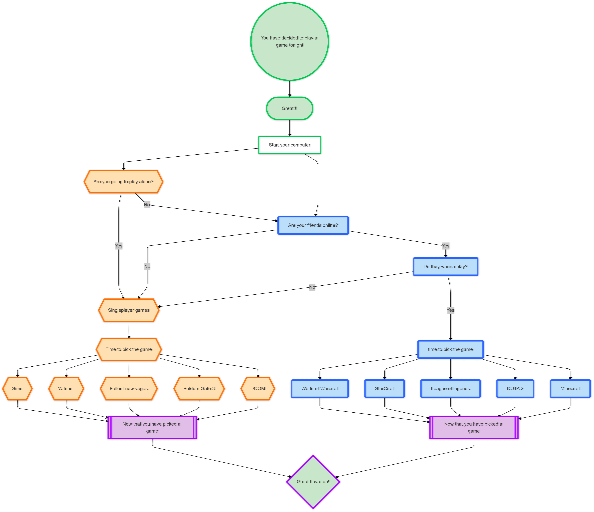
Flowchart Maker
Generate clean, editable flowcharts with AI. Describe any process in plain text and instantly turn it into a structured, professional diagram.
Sequence Diagram Maker
Generate UML sequence diagrams with AI to visualize how components, services, or systems interact over time.
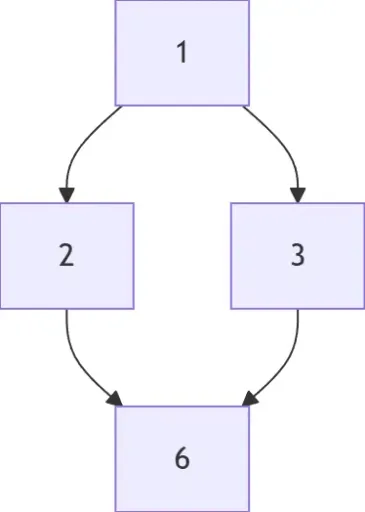
Hasse Diagram Generator
Generate Hasse diagrams from any partially ordered set (poset). Perfect for mathematics, discrete structures, logic, and computer science.