Create Database ER Diagrams with AI
Explain your schema—tables, columns, PK/FK relationships, data types—and AI instantly generates a structured Entity-Relationship diagram for database design and documentation.
Try Relational Database Design
AIで図表を即時生成。まずは説明を入力してください。
クイック例:
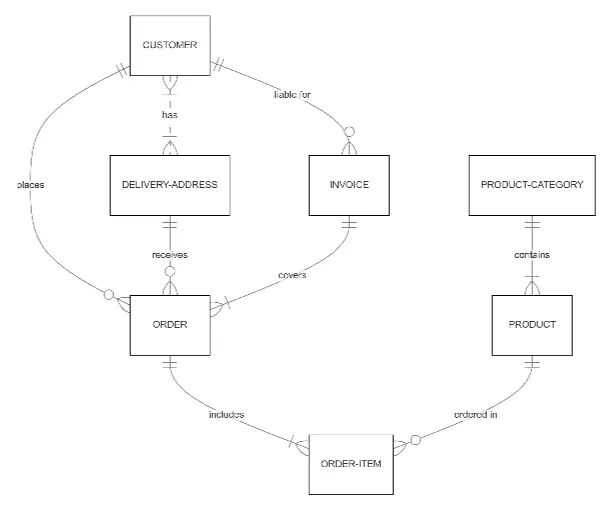
Current selected: Entity Relationship Diagram
図表タイプを選び、説明文を入力してください
Design Databases in 3 Steps
From conceptual schema to ER diagram
Describe Your Tables
List all tables, columns, primary keys, foreign keys, and relationship rules.
AI Creates ER Diagram
AI generates a normalized schema diagram with crow’s-foot notation and clear table relationships.
Optimize & Implement
Use the ER diagram to check normalization, plan indexes, and guide implementation or migration steps.
登録不要 · クレジットカード不要 · 数秒で無料フローチャート作成
Complete Database Design Suite
Plan, validate, and document your data model
- Normalization Support
- AI helps you identify redundancy and structure your schema according to 1NF, 2NF, and 3NF best practices.
- Cardinality Notation
- Proper one-to-one, one-to-many, and many-to-many relationships using standard crow’s-foot notation.
- Primary & Foreign Keys
- Clear PK/FK markers help you understand how tables connect and enforce referential integrity.
- Data Type Specification
- Document column data types, lengths, precision, and constraints.
Database Design FAQs
- Can I design schemas for any database?
Yes. ER diagrams are compatible with PostgreSQL, MySQL, SQL Server, Oracle, MariaDB, and other relational systems.
- How do I show composite primary keys?
Mention all fields that make up the composite key, and AI will annotate them together.
- Can I add unique or not-null constraints?
Yes. Include constraints in your description and they will be reflected in the diagram.
- How do I represent self-referencing tables?
Describe the relationship and AI will generate a recursive reference visualization.
- Can I include views or stored procedures?
ER diagrams focus on tables, but you can describe views or SP logic and generate separate diagrams.
関連ユースケース
似たユースケースを探す
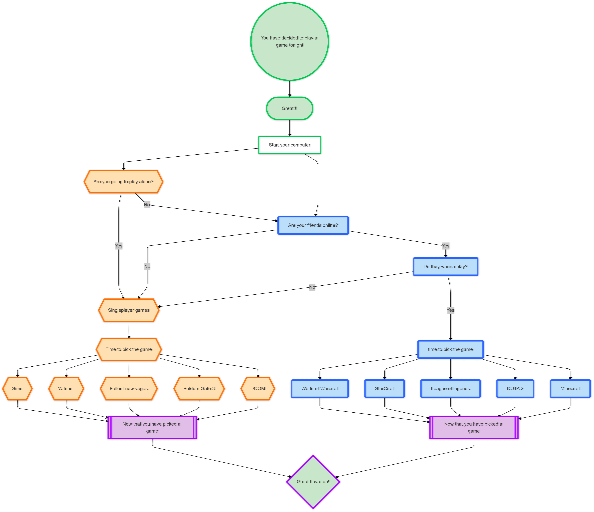
Flowchart Maker
Generate clean, editable flowcharts with AI. Describe any process in plain text and instantly turn it into a structured, professional diagram.
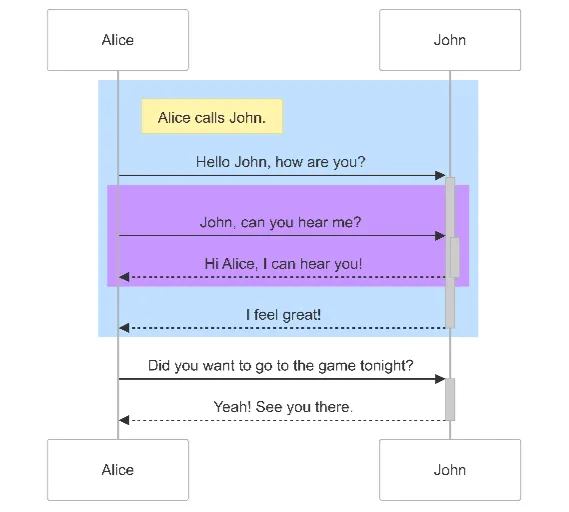
Sequence Diagram Maker
Generate UML sequence diagrams with AI to visualize how components, services, or systems interact over time.
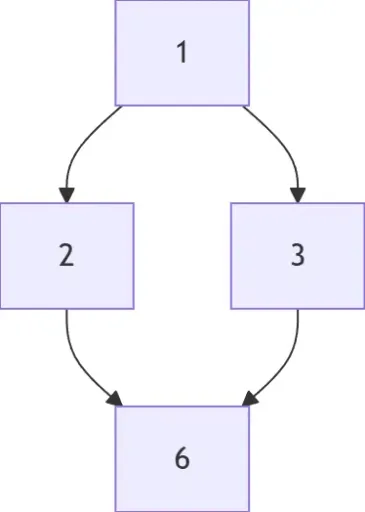
Hasse Diagram Generator
Generate Hasse diagrams from any partially ordered set (poset). Perfect for mathematics, discrete structures, logic, and computer science.