Use-case vẽ sơ đồ bằng AI – Lưu đồ, Cây xác suất, ERD
Khám phá cách người dùng áp dụng AI để vẽ lưu đồ, cây quyết định, cây xác suất, sơ đồ ERD, UML và nhiều loại sơ đồ khác trong công việc thực tế.
Chọn bộ lọc để thu hẹp kết quả.
View Details →
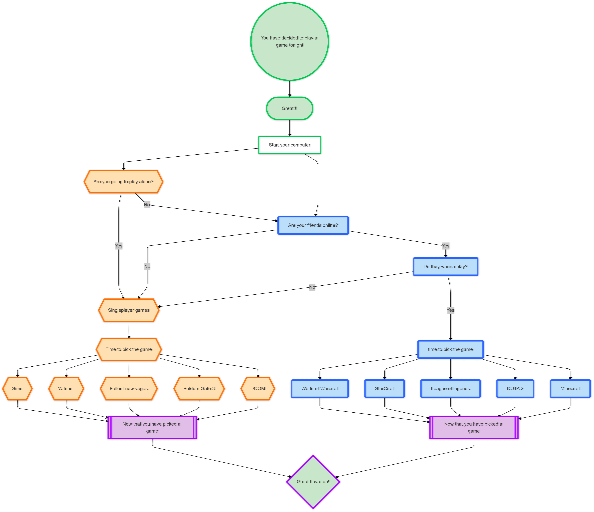
Flowchart Maker
Generate clean, editable flowcharts with AI. Describe any process in plain text and instantly turn it into a structured, professional diagram.
View Details →
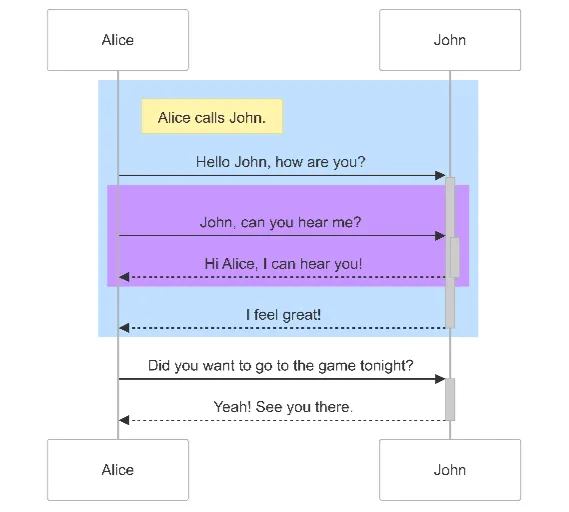
Sequence Diagram Maker
Generate UML sequence diagrams with AI to visualize how components, services, or systems interact over time.
View Details →
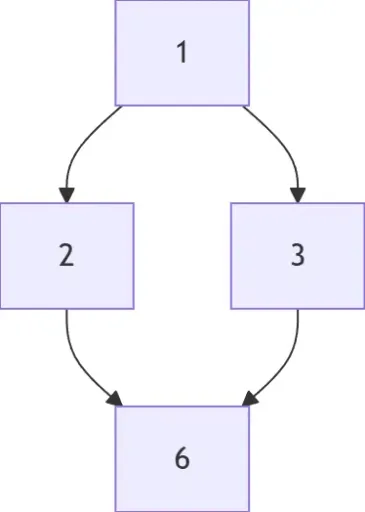
Hasse Diagram Generator
Generate Hasse diagrams from any partially ordered set (poset). Perfect for mathematics, discrete structures, logic, and computer science.
View Details →
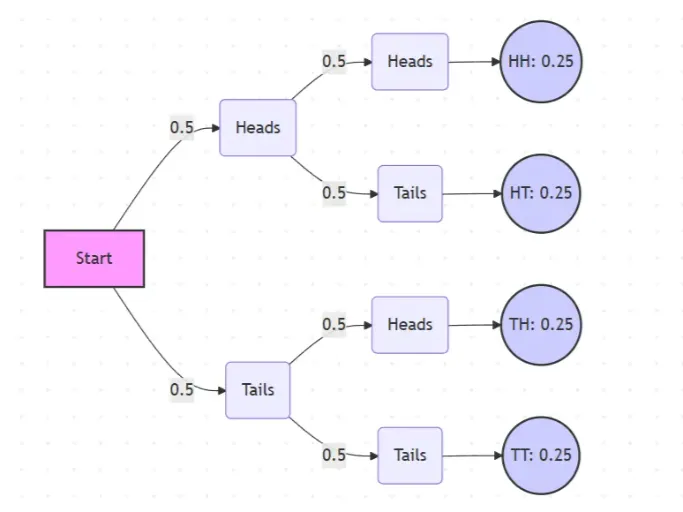
Probability Tree Diagram Generator
Create a probability tree diagram online to visualize conditional probability, dependent events, and multi-step outcomes. Use it as a probability tree diagram calculator for examples, exams, and real-world problems.
View Details →
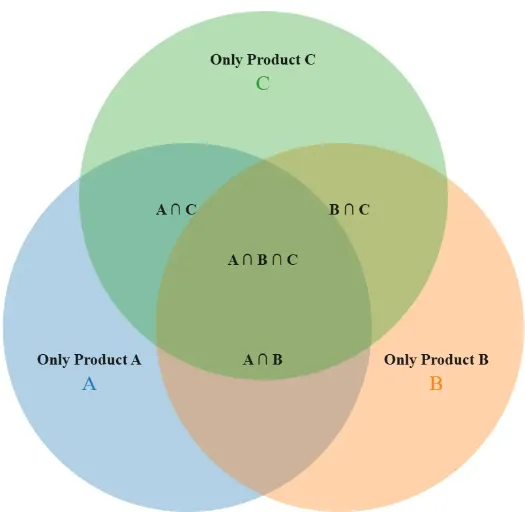
Venn Diagram Maker
Create Venn diagrams online with an easy-to-use Venn diagram maker. Generate 2, 3, 4, or more circle Venn diagrams for math, statistics, probability, and data visualization — free and online.
View Details →
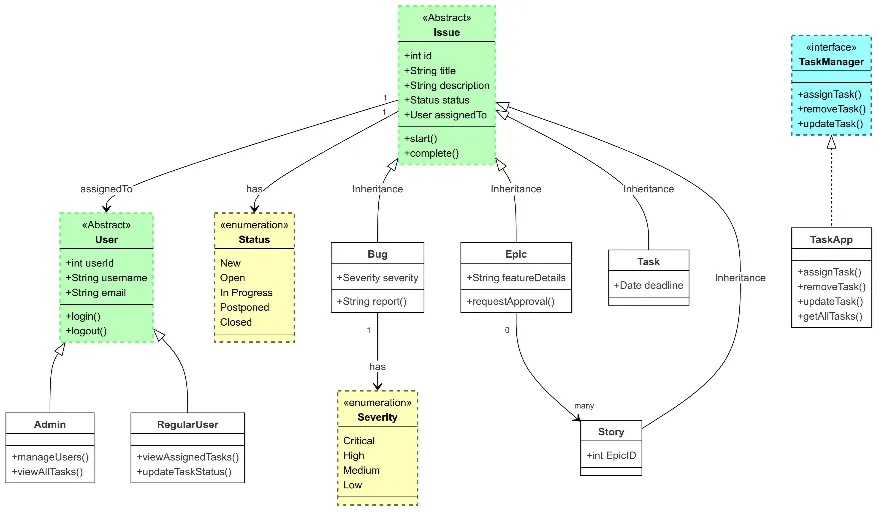
Class Diagram Maker
Generate UML class diagrams with AI to design object-oriented systems, document relationships, and model software architecture.
View Details →
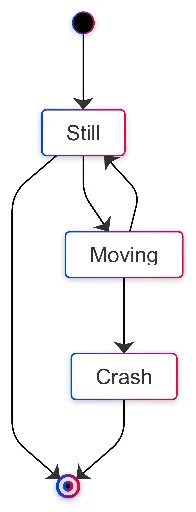
State Diagram Maker
Create state machine diagrams with AI to visualize states, transitions, triggers, and workflow logic.
View Details →
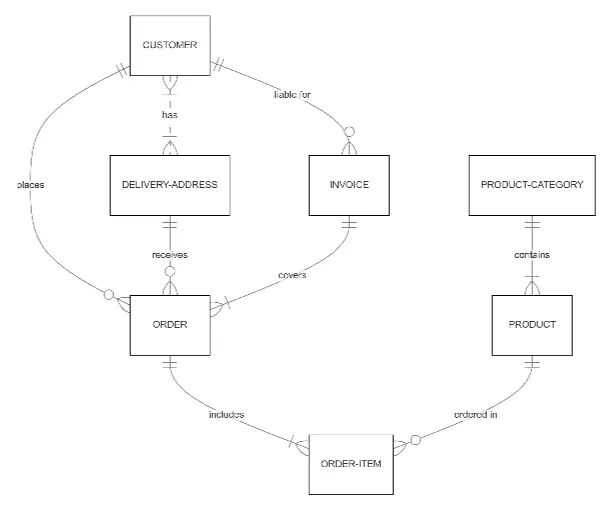
ER Diagram Maker
Generate clean, accurate ER diagrams with AI. Describe your tables, relationships, and schema details, and AI produces a professional entity-relationship diagram instantly.
View Details →
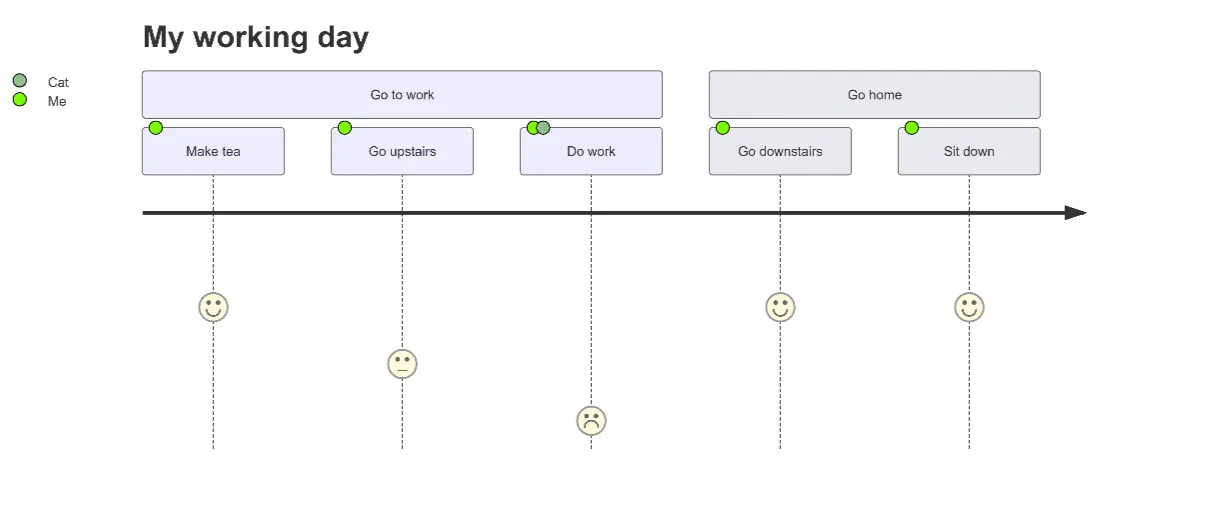
User Journey Map Maker
Generate clear, structured customer journey maps with AI. Visualize touchpoints, emotions, pain points, and satisfaction across the entire experience.
Câu hỏi về use-case
Làm sao chọn đúng loại sơ đồ?
Quy trình → lưu đồ; kiến trúc → UML/C4; dữ liệu → ERD; tương tác → sequence; phân tích xác suất → cây xác suất/cây quyết định.
Tôi có chỉnh sửa sơ đồ sau khi chọn use-case được không?
Có. Bạn có thể điều chỉnh qua chat bất kỳ lúc nào.
Dùng thử có cần tài khoản không?
Không. Bạn có thể trải nghiệm miễn phí và xuất file không giới hạn.
Tìm mẫu sơ đồ ở đâu?
Bạn có thể xem các mẫu trong trang Mẫu.
Sẵn sàng tạo sơ đồ của bạn?
Bắt đầu từ một use-case hoặc tạo sơ đồ mới hoàn toàn bằng AI.
Khám phá cách AI giúp bạn vẽ sơ đồ
Xem cách nhóm kỹ thuật, sản phẩm, dữ liệu và giáo dục sử dụng ChatFlowchart để tạo lưu đồ, cây xác suất, cây quyết định, ERD, UML và nhiều sơ đồ khác. Chỉnh sửa qua chat và xuất file dễ dàng.