Create Business Process Flowcharts with AI
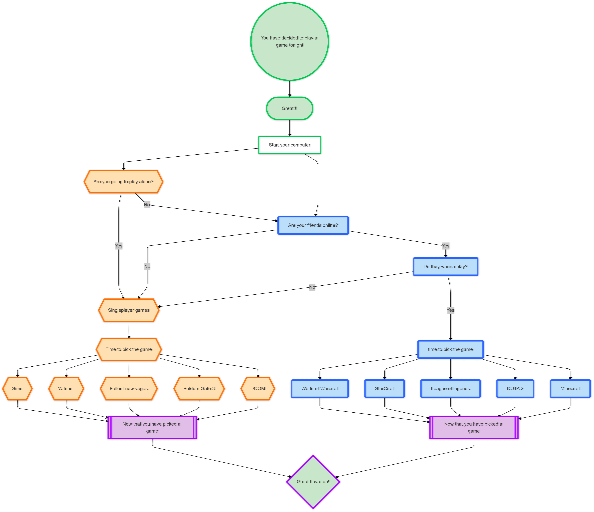
Describe your workflow—customer onboarding, fulfillment, approvals, support procedures—and AI instantly transforms it into a professional business process flowchart.
Try Business Process Flow
Tạo sơ đồ ngay lập tức bằng AI. Chỉ cần nhập mô tả.
Ví dụ nhanh:
Current selected: FlowChart
Chọn loại sơ đồ và nhập mô tả
Who It's For
Product & Operations — visualize user journeys, business logic, and decision points
Engineering & Architecture — map modules, integrations, and system interactions
Data & Analytics — illustrate data flow, transformations, and lineage
Education & Training — create visual explanations with minimal effort
What You’ll Get
A clean, auto-organized business process flowchart
Chat-based refinement: rename nodes, add/remove steps, restructure branches
One-click export to PNG, SVG, or PDF
Create Business Flowcharts in 3 Steps
Turn complex workflows into clear visual diagrams
Describe Your Process
Explain your workflow, major steps, decision logic, handoffs, and outcomes.
AI Creates Your Flowchart
AI organizes steps and decisions into a structured business process diagram.
Refine & Share
Adjust through conversation, then export for teams, documentation, or presentations.
Không cần đăng ký • Không cần thẻ tín dụng • Tạo lưu đồ miễn phí trong vài giây
Why Use AI for Business Process Flowcharts?
Designed to make complex workflows simple and actionable
- Instant Process Visualization
- AI converts long, complex workflows into clean, readable diagrams instantly.
- Decision Point Mapping
- Automatically highlights decision nodes, alternative paths, and branching logic.
- Professional Templates
- Business-ready visual styles suitable for corporate environments.
- Easy Modifications
- Update your process through simple chat instructions instead of manual redrawing.
Business Process Flowchart FAQs
- What business processes can I map?
Any workflow: customer onboarding, order fulfillment, approval flows, support escalation, QA processes, ticket handling, operations procedures, and more.
- Can I show multiple departments?
Yes. AI can create swimlane-style flowcharts to show responsibility across teams.
- How do I model complex decision trees?
Describe your decision logic and AI will build nested decision branches that remain readable.
- Is this suitable for compliance documentation?
Yes. Export high-resolution diagrams suitable for SOPs, audits, training manuals, and certifications.
- How detailed should my process description be?
Provide as much detail as needed—AI adapts to high-level summaries or fully detailed SOP logic.
Use-case liên quan
Khám phá các use-case tương tự
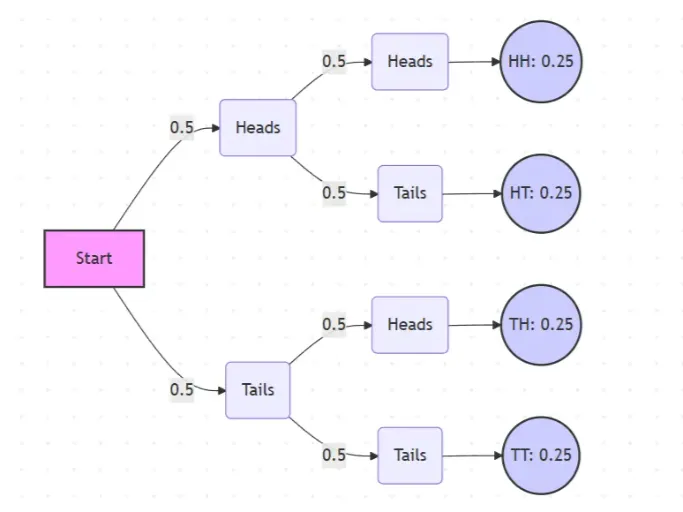
Probability Tree Diagram Generator
Create a probability tree diagram online to visualize conditional probability, dependent events, and multi-step outcomes. Use it as a probability tree diagram calculator for examples, exams, and real-world problems.
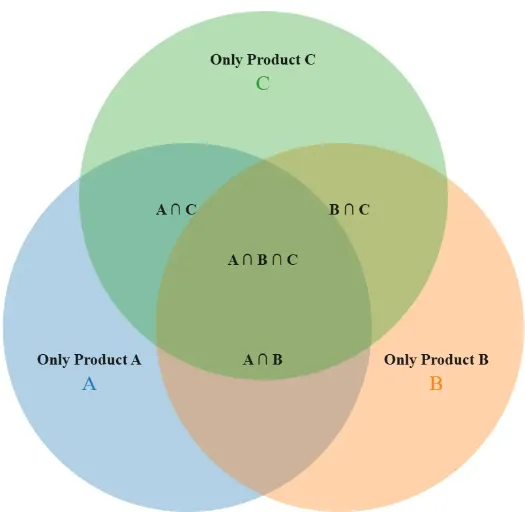
Venn Diagram Maker
Create Venn diagrams online with an easy-to-use Venn diagram maker. Generate 2, 3, 4, or more circle Venn diagrams for math, statistics, probability, and data visualization — free and online.
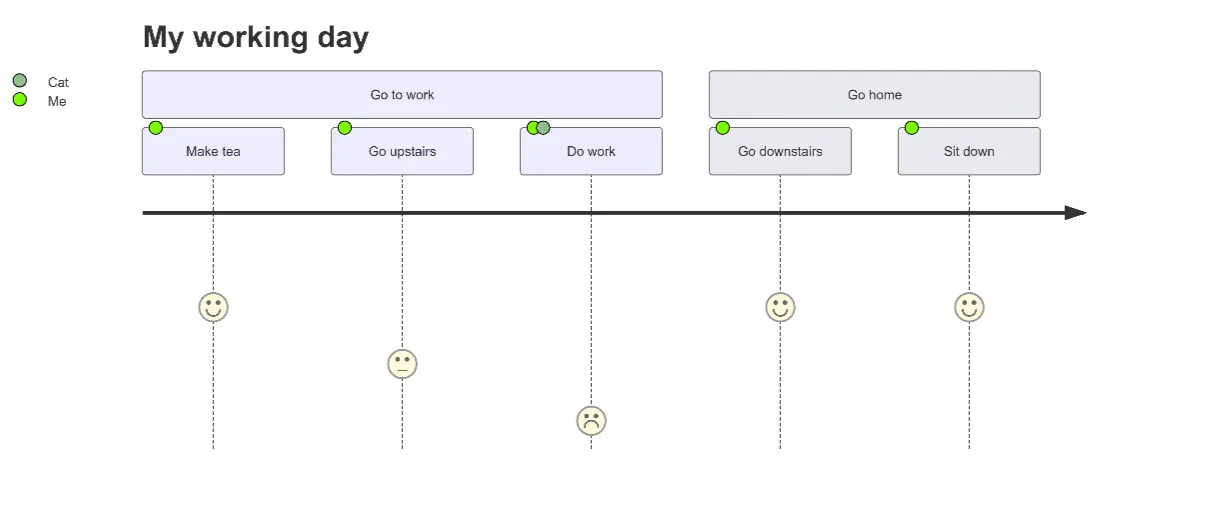
User Journey Map Maker
Generate clear, structured customer journey maps with AI. Visualize touchpoints, emotions, pain points, and satisfaction across the entire experience.