Build Decision Tree Flowcharts with AI
Describe your decision logic—questions, branching options, criteria—and AI instantly creates a decision tree flowchart your users can follow step-by-step.
Try Decision Tree Flowchart
Tạo sơ đồ ngay lập tức bằng AI. Chỉ cần nhập mô tả.
Ví dụ nhanh:
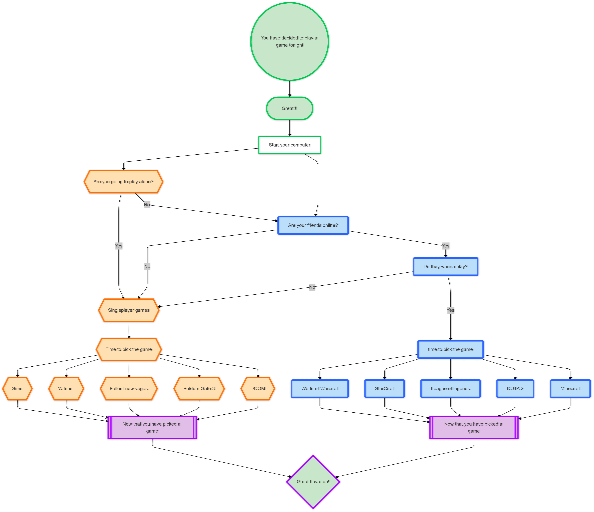
Current selected: FlowChart
Chọn loại sơ đồ và nhập mô tả
Create Decision Trees in 3 Steps
Turn complex logic into guided visual paths
Map Your Decision Points
List your questions, branching scenarios, expected outcomes, and evaluation criteria.
AI Builds the Tree
AI organizes your decision logic into a clean hierarchical tree with clear yes/no or multi-branch outcomes.
Deploy for Your Users
Use decision trees in support workflows, onboarding, technical diagnostics, or training documentation.
Không cần đăng ký • Không cần thẻ tín dụng • Tạo lưu đồ miễn phí trong vài giây
Powerful Decision Tree Features
Guide users through structured decision paths
- Multi-Level Decisions
- Model deep branching structures for complex troubleshooting or qualification logic.
- Customer Support Integration
- Ideal for support teams to walk customers through systematic problem-solving steps.
- Clear Yes/No Branches
- AI uses intuitive branching layout for binary and multi-choice decisions.
- Diagnostic Workflows
- Document medical triage paths, technical diagnostics, or risk assessment flows.
Decision Tree Flowchart FAQs
- What types of decisions work best in flowchart format?
Binary yes/no decisions, troubleshooting steps, diagnostic logic, eligibility qualification, and any structured step-by-step reasoning.
- Can I create medical or diagnostic decision trees?
Yes, but ensure domain experts review your content. AI will visualize the logic clearly.
- How many decision levels can I include?
As many as needed. For extremely deep decision trees, consider splitting into multiple diagrams for readability.
- Can I add explanations at each decision point?
Yes. Include details in your description and AI will incorporate them into the nodes.
- How do I represent AND/OR logic?
Describe the logical conditions and AI will create the appropriate branching representation.
Use-case liên quan
Khám phá các use-case tương tự
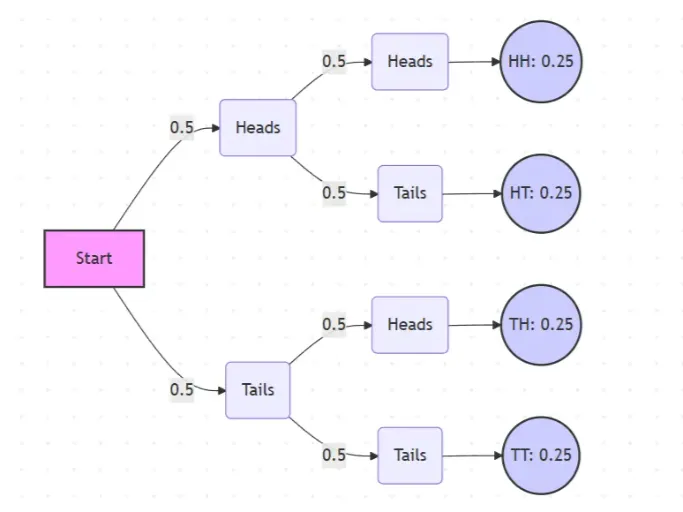
Probability Tree Diagram Generator
Create a probability tree diagram online to visualize conditional probability, dependent events, and multi-step outcomes. Use it as a probability tree diagram calculator for examples, exams, and real-world problems.
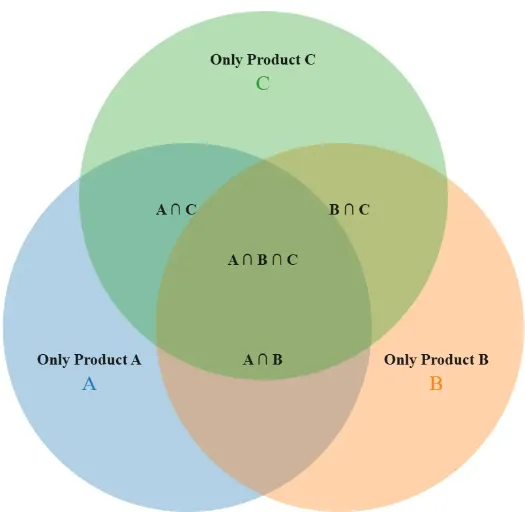
Venn Diagram Maker
Create Venn diagrams online with an easy-to-use Venn diagram maker. Generate 2, 3, 4, or more circle Venn diagrams for math, statistics, probability, and data visualization — free and online.
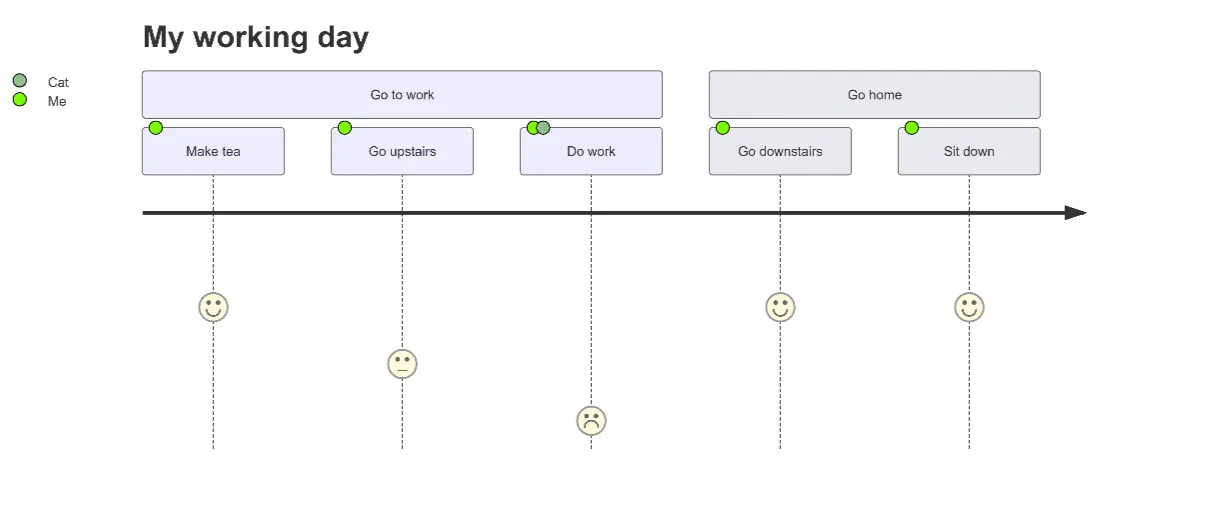
User Journey Map Maker
Generate clear, structured customer journey maps with AI. Visualize touchpoints, emotions, pain points, and satisfaction across the entire experience.