Create State Machine Diagrams with AI
Describe your states, transitions, and triggers, and AI generates a structured state diagram—ideal for workflows, system logic, and lifecycle modeling.
Try State Diagram Maker
Tạo sơ đồ ngay lập tức bằng AI. Chỉ cần nhập mô tả.
Ví dụ nhanh:
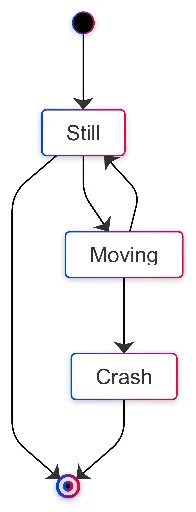
Current selected: State Diagram
Chọn loại sơ đồ và nhập mô tả
Create State Diagrams in 3 Steps
From workflow logic to visual state machine
Describe States
List out the states in your system and explain how each state transitions to the next.
AI Generates Diagram
AI builds a readable state machine diagram with transitions, entry/exit points, and triggers.
Implement Logic
Use the diagram as a blueprint for system logic, lifecycle modeling, or workflow documentation.
Không cần đăng ký • Không cần thẻ tín dụng • Tạo lưu đồ miễn phí trong vài giây
State Diagram Features
Visualize complex state transitions with clarity
- Clear State Transitions
- Show every valid state change, including conditional triggers and alternative paths.
- Entry & Exit Points
- AI marks initial and final states for full lifecycle visibility.
- Workflow Logic
- Great for modeling approval processes, system states, order lifecycles, or UI screens.
- State Descriptions
- Add definitions or context to each state for better documentation.
State Diagram Maker FAQs
- What can I model with state diagrams?
Any system with defined states: order lifecycles, onboarding flows, payment statuses, UI screen transitions, and multi-step workflows.
- Can I show conditional transitions?
Yes. Describe the conditions, and AI will label transitions accordingly.
- How many states can be included?
As many as needed. For clarity, most diagrams range from 5–15 states, but AI supports much larger systems.
Use-case liên quan
Khám phá các use-case tương tự
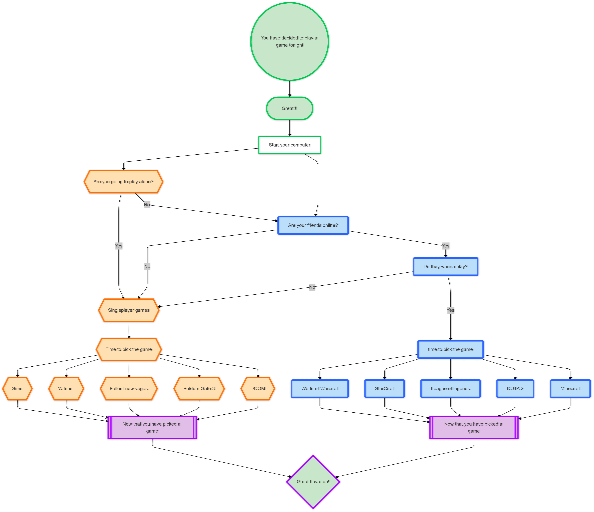
Flowchart Maker
Generate clean, editable flowcharts with AI. Describe any process in plain text and instantly turn it into a structured, professional diagram.
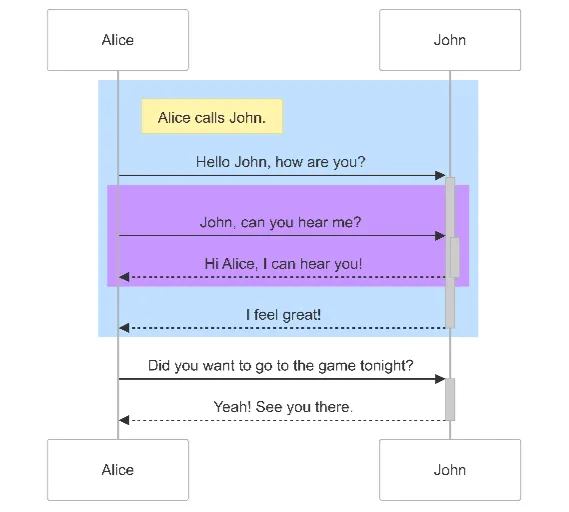
Sequence Diagram Maker
Generate UML sequence diagrams with AI to visualize how components, services, or systems interact over time.
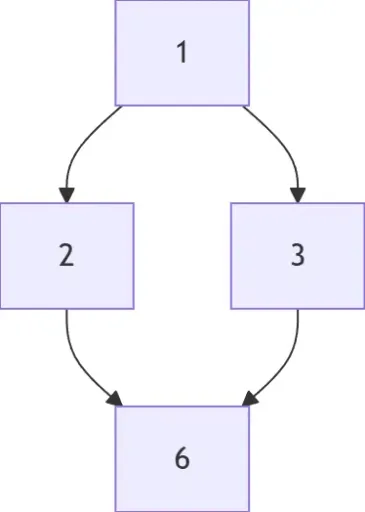
Hasse Diagram Generator
Generate Hasse diagrams from any partially ordered set (poset). Perfect for mathematics, discrete structures, logic, and computer science.