Create Website Traffic Flow Diagrams with AI
Analyze how visitors arrive on your site, the paths they take, and how they progress through your funnel—all visualized through clean, proportional Sankey diagrams.
Try Website Traffic Flow
Diyagramınızı hemen oluşturun. Ne istediğinizi yazın.
Hızlı örnekler:
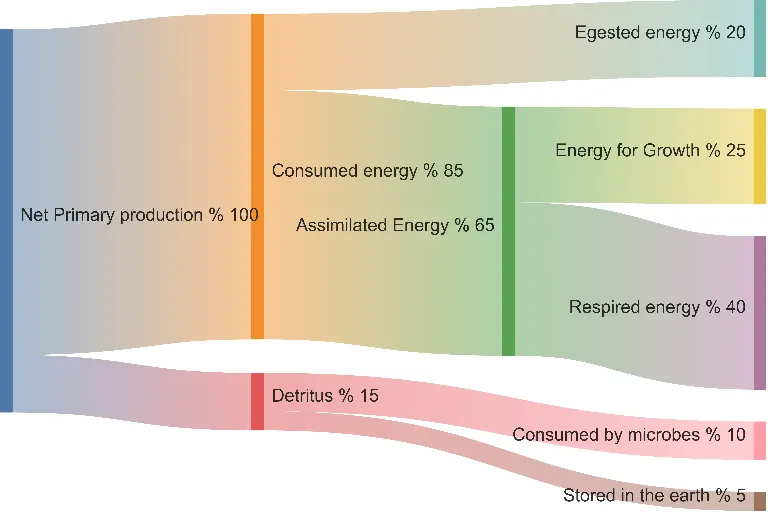
Current selected: Sankey
Diyagram türü seçin ve bir açıklama girin
Map User Flows in 3 Steps
Understand how visitors behave across your website
Describe Traffic Patterns
Provide your traffic sources, landing pages, top navigation paths, and key conversion or drop-off points.
AI Generates Flow Diagram
AI creates a Sankey diagram with proportional flow widths to represent traffic volume and movement.
Optimize Conversions
Identify bottlenecks, leakage points, and high-performing paths to improve user experience and funnel performance.
Kayıt gerekmez · Kredi kartı gerekmez · Saniyeler içinde ücretsiz akış şeması
Web Analytics Visualization
Actionable insights for product teams and digital marketers
- Traffic Source Breakdown
- Visualize traffic distribution across organic search, paid ads, social media, referrals, and direct visitors.
- User Journey Mapping
- See how users move from landing pages through navigation paths and content flows.
- Conversion Funnel Visualization
- Illustrate how visitors progress through awareness → interest → intent → conversion.
- Bounce Rate Display
- Show how many visitors exit immediately compared to those who continue deeper into the site.
Traffic Flow FAQs
- What analytics data do I need?
Use traffic source data, landing page metrics, user paths, and conversion events from tools like Google Analytics, Adobe Analytics, or Mixpanel.
- Can I show multi-step funnels?
Yes. Describe each funnel stage and include the number of users moving through each step.
- How do I visualize bounce rate?
AI splits your landing page traffic into 'continues navigating' versus 'bounce/exit' flows for clarity.
- Can I combine multiple traffic sources?
Absolutely. Show multiple sources flowing into the site and branching to different pages or outcomes.
- How detailed should the flow be?
Start with major pages and key decision points. Add fine-grained detail only for areas you want to analyze closely.
İlgili kullanım senaryoları
Benzer diyagramları keşfedin
Flowchart Maker
Generate clean, editable flowcharts with AI. Describe any process in plain text and instantly turn it into a structured, professional diagram.
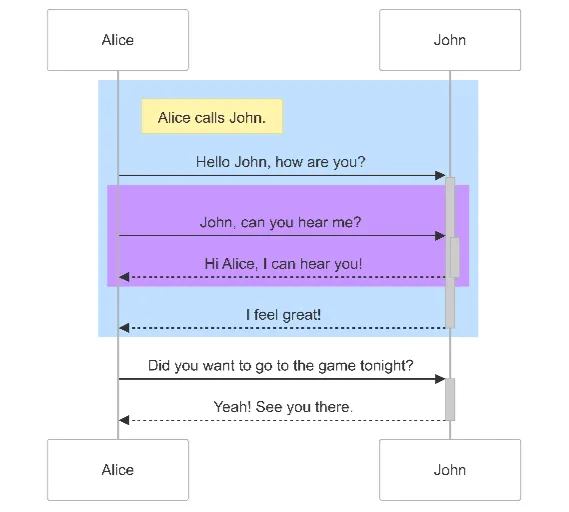
Sequence Diagram Maker
Generate UML sequence diagrams with AI to visualize how components, services, or systems interact over time.
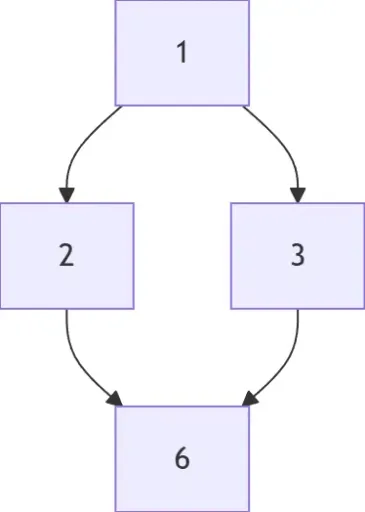
Hasse Diagram Generator
Generate Hasse diagrams from any partially ordered set (poset). Perfect for mathematics, discrete structures, logic, and computer science.