Tools
AI diagram conversion tools
Convert images, PDFs, screenshots, whiteboards, and diagram files into editable flowcharts, Draw.io workflows, Mermaid code, and Excalidraw-style canvases.
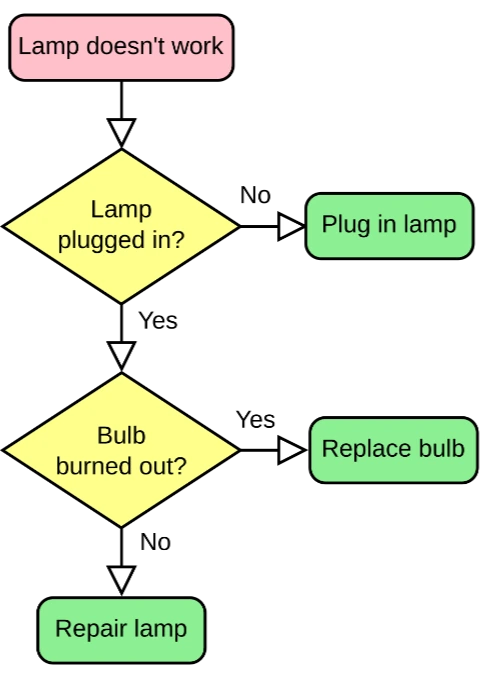
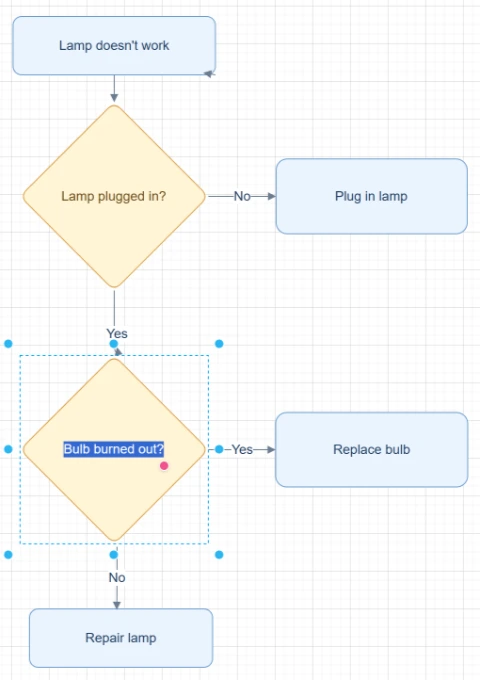
Featured converters
Start with the highest-intent converters for rebuilding editable diagrams from images, PDFs, and mixed sources.
画像をフローチャートに変換
スクリーンショット、ホワイトボード写真、古いフローチャート画像をアップロードして、修正・調整・エクスポートできる編集可能なフローチャートとして再構築します。
画像を編集可能な図に変換
静的な図の画像、PDFページ、スクリーンショット、ホワイトボード写真、古いフローチャートをアップロードし、見えている文字、図形、矢印、レイアウトを編集可能な図のオブジェクトとして再構築します。
画像をDraw.ioに変換
PNG、JPG、スクリーンショット、ホワイトボード写真、またはエクスポート済みの図画像をアップロードし、編集可能なDraw.io対応図として再作成します。
画像 Mermaid 変換
フローチャートのスクリーンショット、図の画像、PDFページをアップロードして、見えている構造を確認・修正できるMermaidコードに変換し、ドキュメントで再利用できます。
Input sources
Pick the source format that matches the file you already have, from screenshots and whiteboards to SOPs and compressed images.
スクリーンショットをフローチャートに変換
ワークフロー、アプリの流れ、スライド上のプロセス、SOP、ドキュメント内の図をスクリーンショットから読み取り、編集可能なフローチャートとして再構築します。
ホワイトボード写真をフローチャートに変換
会議、ワークショップ、ブレインストーミング、業務プロセス整理で使ったホワイトボード写真をアップロードし、編集可能なフローチャートの下書きに変換します。
手書きフローチャートをデジタル化
手書きフローチャート、紙のスケッチ、ノートの図、スキャン画像、タブレットのラフ画をアップロードして、編集可能なデジタルフローチャートに変換できます。
SOP to Flowchart Converter
Upload an SOP PDF, procedure document, work instruction screenshot, or process text. ChatFlowchart turns steps, roles, decision points, handoffs, approvals, and exception paths into an editable flowchart draft.
PNG to Draw.io Converter
Upload a PNG diagram export, transparent PNG, high-resolution screenshot, or archived process map. ChatFlowchart reconstructs the visible structure as an editable Draw.io-compatible draft.
JPG to Draw.io Converter
Upload a JPG or JPEG diagram image, email attachment, phone photo, or compressed screenshot. ChatFlowchart reconstructs the visible structure as an editable Draw.io-compatible draft.
Flowchart Image to Draw.io Converter
Upload a static flowchart image, exported flowchart, archived process map, or shared screenshot. ChatFlowchart reconstructs the visible steps, decisions, branches, and connectors as an editable Draw.io-compatible draft.
Screenshot to Draw.io Converter
Upload a diagram screenshot from docs, tickets, slides, websites, or product specs. ChatFlowchart reconstructs the visible structure as an editable Draw.io-compatible draft.
Export formats
Open format-specific workflows when your final diagram needs to fit Draw.io, Mermaid, or Excalidraw-style editing.
画像をExcalidrawに変換
スケッチ、ホワイトボード写真、スクリーンショット、フローチャート画像をアップロードすると、AIが見えている構造をExcalidraw風の編集可能なダイアグラムとして再構築します。
PDF to Mermaid Converter
Upload a PDF page with a flowchart, process diagram, or workflow diagram. ChatFlowchart converts the visible structure into an editable Mermaid code draft for Markdown, GitHub, README files, and technical docs.
PDFフローチャート変換
PDFの業務プロセス文書、SOP、ワークフローページ、PDF図表をアップロードして、編集可能なフローチャートキャンバスに変換します。
PDFをDraw.ioに変換
PDF図をアップロードし、見えているボックス、ラベル、コネクタ、レイアウトをDraw.io互換の編集可能な図として再構築します。
Start with a clear source file, then refine the editable result.
Upload an image, screenshot, whiteboard photo, or PDF page and move into the canvas with the right converter context already selected.